In this article 4
What is Google Search Console?
Google Search Console (GSC) is Google's free webmaster tool. You can monitor how your site appears in Google search, detect problems, and improve your SEO performance.
Key Features of Google Search Console
1. Performance Report
See which keywords your site appears for, click counts, average position, and impressions. This data helps shape your SEO strategy.
2. Indexing Report
Shows which pages are indexed by Google and which have problems. 404 errors and redirect issues are visible here.
3. Sitemap Submission
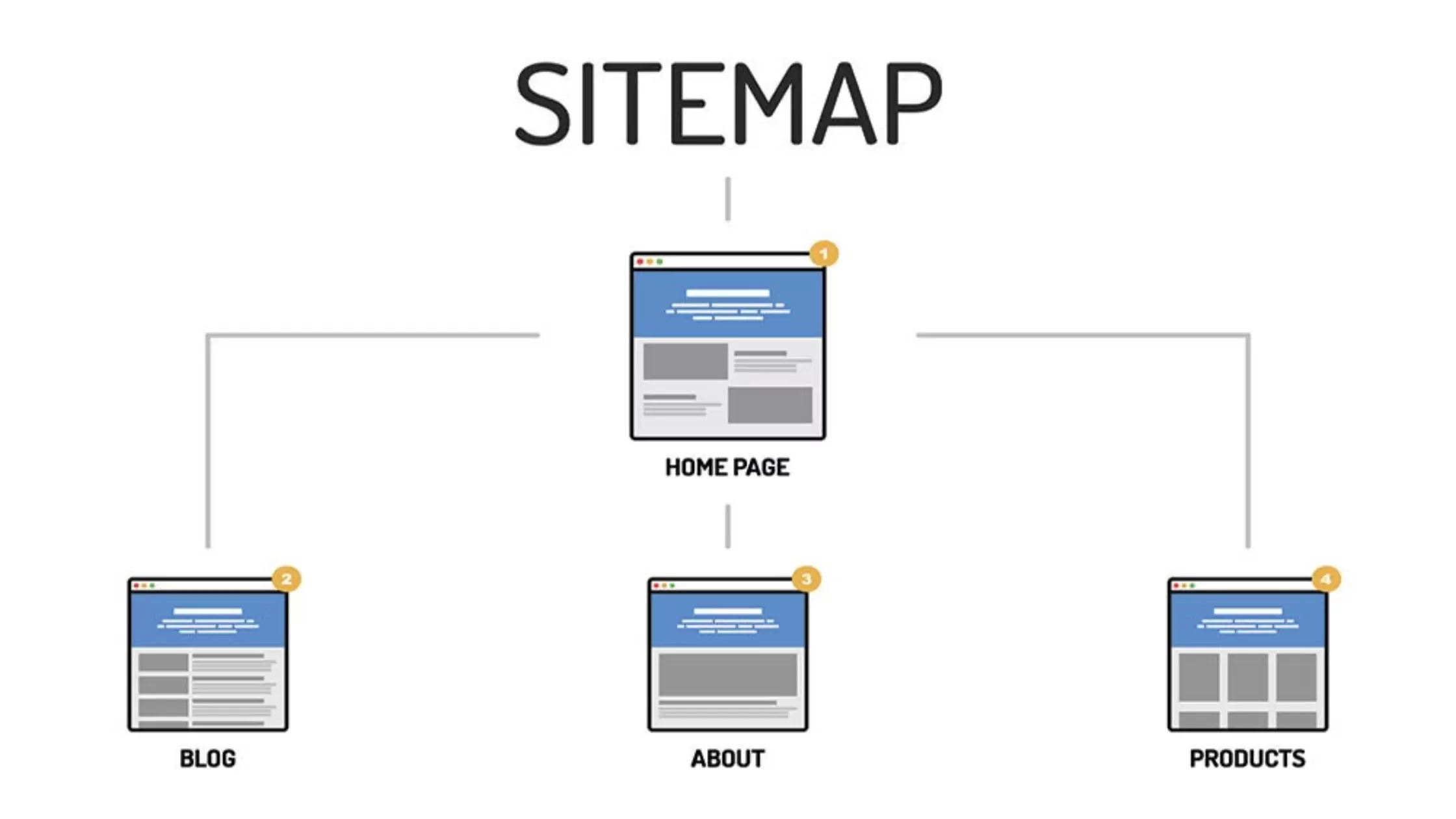
Submit your XML sitemap through GSC to speed up indexing.
4. Mobile Usability Test
Check if your site displays correctly on mobile devices.
5. Core Web Vitals
Monitor speed and user experience metrics. Technical SEO indicators like LCP, FID, CLS are analyzed here.
How to Set Up GSC?
- Go to search.google.com/search-console
- Click "Add property"
- Choose Domain or URL prefix
- Complete ownership verification
- Submit your sitemap
How to Use GSC Data?
GSC data helps you understand what on-page SEO changes are needed and which pages need off-page SEO support.
For professional SEO audit and GSC analysis, contact us.